Describe it. Or hand over a document. The AI builds it.
Tell your AI what you need, or share an existing questionnaire — a Word doc, PDF, Markdown file, or spreadsheet. Either way it prepares a survey Dayalogs can import, saves it as a new version, and confirms. No form editor, no manual rebuilding.
- Describe from scratch in natural language — multi-language, logic, conditions
- Share any existing questionnaire document and the AI converts it directly
- The AI checks the survey against the live Dayalogs rules before importing
- Ask for changes in the same conversation — it patches the draft

Comment on the preview before publishing.
Every plan lets the author test the survey and leave anchored comments for the AI assistant to apply. Team and Enterprise can also invite colleagues or clients into a shared round.
- Ask the AI for the review preview and leave comments beside the relevant elements
- Approve or reject each original comment before creating the next version
- Team+ Invite participants without requiring a Dayalogs account
- Shared rounds close when everyone finishes, on a date, or manually

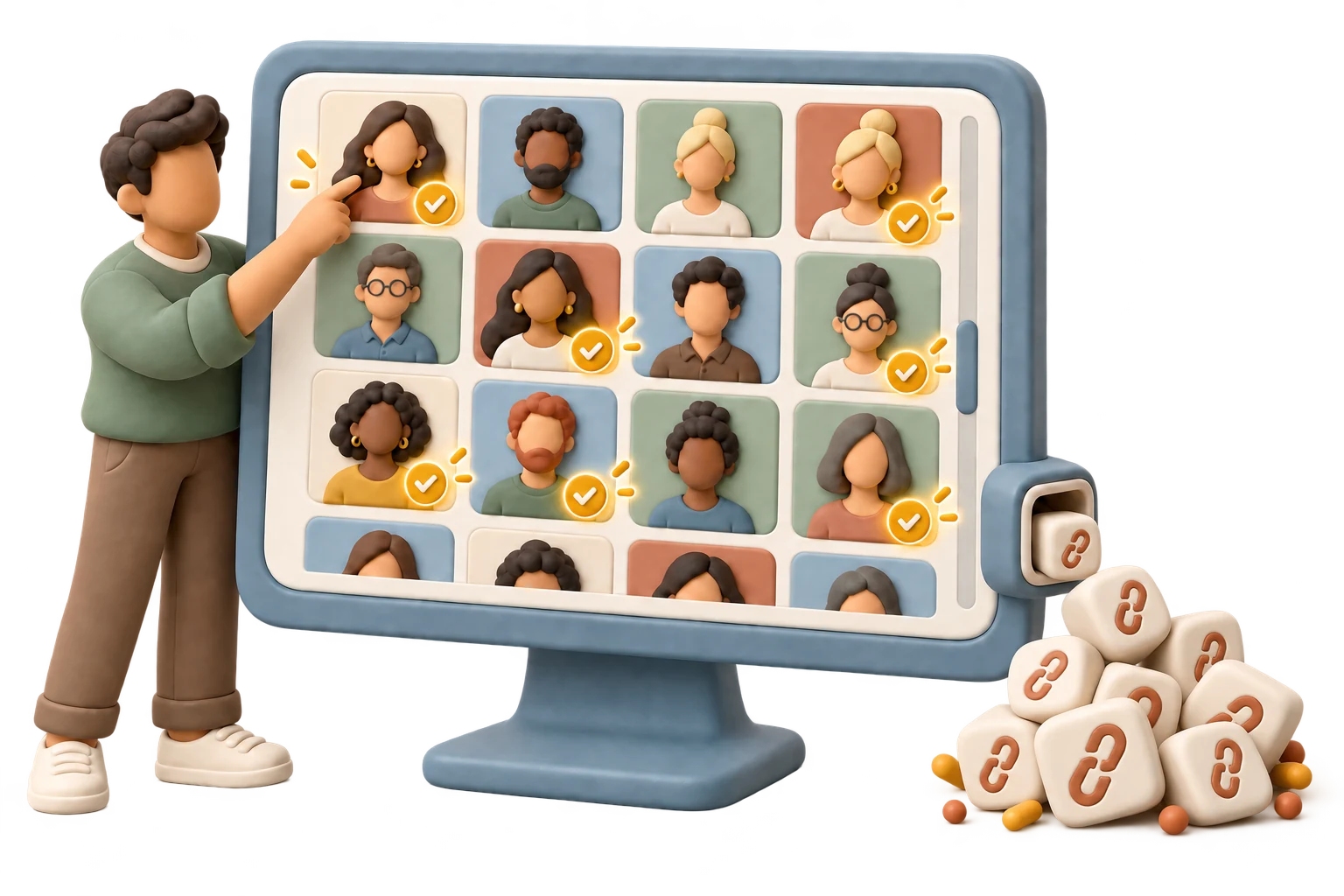
Publish. Import contacts. Generate personalised links.
Once the review is closed, publish the survey and generate a personalised link for every contact in your audience segment. Each link carries the respondent's data into the survey at runtime.
- "Publish nps-q2 and generate links for the Q2 customers segment"
- Share a CSV or XLSX contacts file — the AI imports it as an audience segment via MCP
- Thousands of personalised links generated in seconds
- Set expiry dates and response quotas per LinkSet
- Track open and completion status per contact
Send personalised links by email. Track engagement.
Once links are generated, an email campaign sends them directly from Dayalogs. Preview the message, send an isolated test, queue the real recipients and follow delivery and engagement from the same survey.
- Create the campaign from an existing LinkSet and its eligible recipients
- Preview and send a safe test before queueing the real delivery
- Track delivery, estimated opens and first-party clicks alongside responses
- Use Dayalogs links in any other channel whenever you prefer

Monitor live. Export when ready.
Ask your AI for response counts and basic survey stats. Or open the admin dashboard and export directly — in CSV, XLSX, or SPSS SAV, with labels attached.
- "Show response counts for nps-q2" → AI reads the current stats
- Export from admin: CSV, XLSX, SPSS SAV, JSON, or NDJSON
- Variable aliases and metadata travel with every export format
- Pull responses programmatically via the REST API

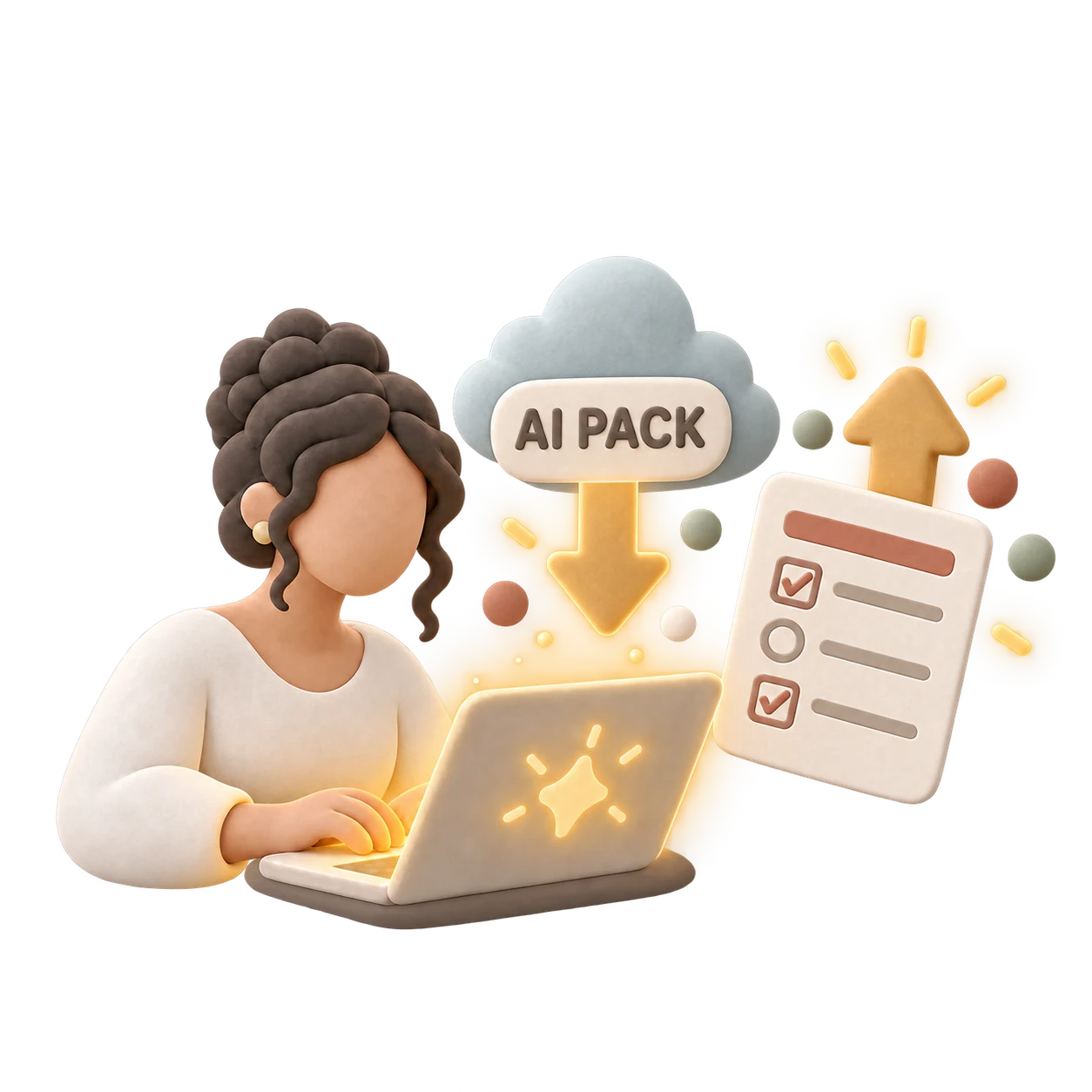
Get the format guide. Use any AI. Import.
Download the Dayalogs survey format guide and paste it as context in Claude.ai, ChatGPT, or any AI you already use. Describe your survey. Get back a survey Dayalogs can import. Bring it into the admin in one step.
- Schema available from Admin → Surveys → JSON schema button
- Or pull via API:
GET /api/v1/survey-schema.json - Import via paste, file upload, or API endpoint
- Dayalogs checks the import and shows errors inline on the exact field when something is off
Comment on the preview before publishing.
Every plan lets you test the survey and leave comments in your own preview. On Team and Enterprise, you can also create a shared round and invite participants by email.
- Open Preview and use Comment mode to attach feedback to an element
- Approve or reject every original comment before importing the next version
- Team+ Create a round and assign comment or decision roles
- Shared rounds can be collaborative or private and close when everyone finishes, on a date, or manually
Publish. Upload your audience. Generate links.
Publish the survey from the admin. Import your contact list from Excel or CSV. Apply tags to segment contacts, then generate a personalised link for every respondent in the segment.
- Import contacts from .xlsx, .xls, CSV, TSV, or pasted tables
- Auto-detect email, name, phone, and custom fields
- Generate thousands of personalised links in seconds
- Set expiry dates and quotas per LinkSet
Send personalised links by email. Track engagement.
With links generated, create an email campaign in the admin. Preview it, send an isolated test, queue the eligible recipients and follow delivery and engagement from the same survey.
- Create the campaign from an existing LinkSet
- Preview and test the exact message before the real send
- Track delivery, estimated opens and first-party clicks
- Copy or export Dayalogs links for any other delivery channel
Monitor live. Export in your format.
Monitor response counts and completion rates from the admin dashboard. When fieldwork closes, export in the format your analysis tools expect — variable labels and metadata included.
- Response counts, completion status, and export-ready data
- Export to CSV, XLSX, SPSS SAV, JSON, or NDJSON
- Variable aliases preserved across all export formats
- Pull responses programmatically via the REST API